
South Korea runs on its phone. From the moment you step off the plane at Incheon, you will want a live data connection to pull up Naver Map, message your guesthouse on KakaoTalk, top up a T-money card, or hail a Kakao Taxi. Unlike many countries, Korea barely uses Google Maps for walking and transit directions, so arriving without data can leave you genuinely stuck. The good news is that getting online is cheap, fast, and easy if you sort it out before you fly. This guide walks you through every option for 2026, from eSIMs to pocket Wi-Fi, and tells you exactly what to set up first.
Last updated: July 20, 2026. Prices below checked against official sources; always confirm current pricing before you buy.
Why you need data the moment you land

Naver Map and Kakao Map are the only apps that give accurate Korean transit and walking routes. Google Maps cannot provide turn-by-turn walking directions in Korea because of mapping-data export rules, so it is close to useless for getting around on foot. You will also want data for KakaoTalk, the default messaging app that nearly everyone uses, plus Papago for translation and Kakao T for taxis. Incheon and Gimpo airports both offer free Wi-Fi, but the second you leave the terminal you are offline unless you have planned ahead. That first subway ride into the city is exactly when you need a working map.
Option 1: eSIM, the easiest choice in 2026
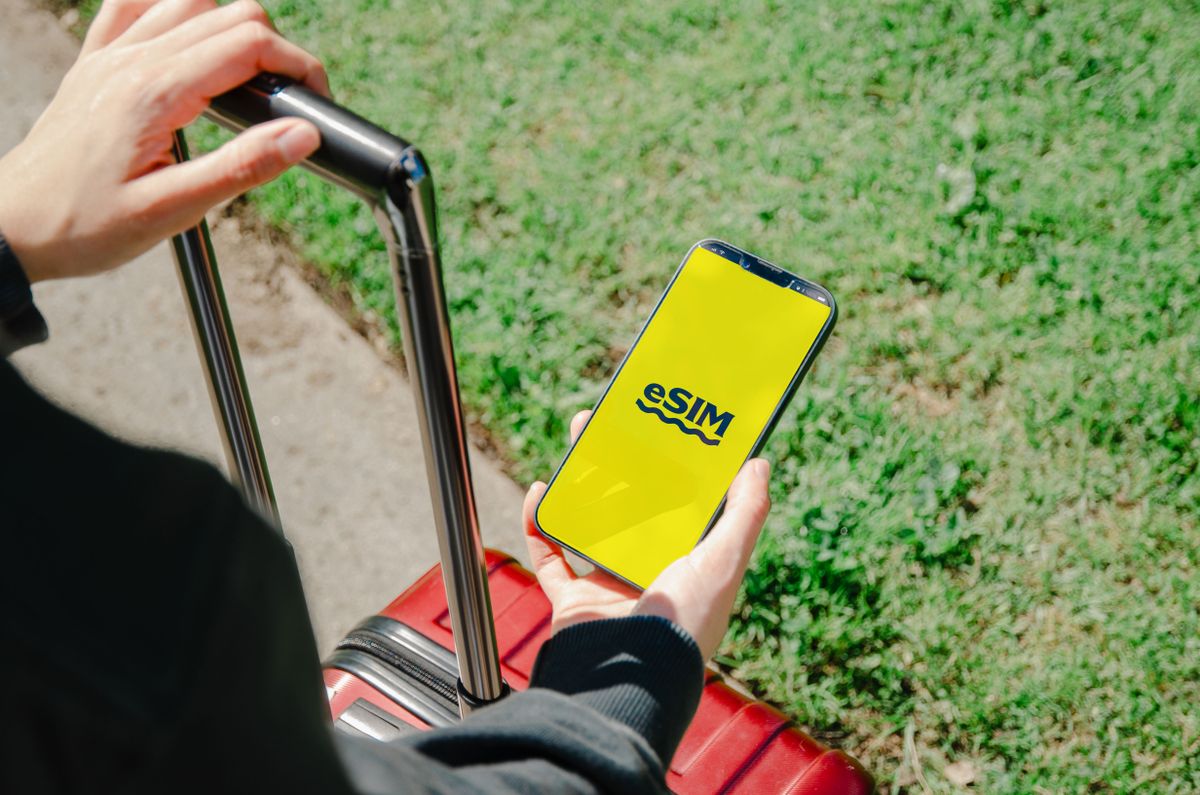
If your phone supports eSIM, and every iPhone since the XS plus most recent Samsung, Pixel, and other flagships do, this is the simplest route. You buy a Korea eSIM online before your trip from providers such as Airalo or Holafly, scan a QR code, and the plan activates the moment you land. There is no counter to find, no tiny card to swap, and no extra device to carry. Plans typically run from about 5 to 30 US dollars depending on the number of days and how much data you need, and most travelers do fine with 1 to 3 GB per day. Set the eSIM to activate on arrival and keep your physical US SIM in the phone so you still receive texts and calls on your home number.
Option 2: A physical SIM card
If your phone is older, locked, or does not support eSIM, a physical SIM is reliable. You can order one online for airport pickup or buy at carrier counters such as SK Telecom, KT, and LG U Plus in the arrivals hall. Bring your passport, because registration is required. Prepaid tourist SIMs come in 5, 10, and 30-day blocks with generous or unlimited data. The trade-off is that your US number goes offline while the Korean SIM is installed, unless your phone has dual-SIM support.
Option 3: Pocket Wi-Fi, the egg
Pocket Wi-Fi, nicknamed an egg in Korea, is a small hotspot device you rent and carry. One unit connects several phones and laptops, so it can be the cheapest option for families or groups traveling together. You reserve online, pick it up at the airport, and return it to a drop box on departure. The downsides are that it is one more thing to keep charged, everyone has to stay near the device, and for a solo traveler it rarely beats an eSIM on price.
Free Wi-Fi and the apps to download first
Korea has excellent free public Wi-Fi in subway stations, cafes, and many busy streets. It is a fine backup but too patchy to rely on for live navigation. Before you fly, download Naver Map and Kakao Map for directions, KakaoTalk for messaging, Papago for translation, and Kakao T for taxis. Sign in and let them finish updating while you still have home Wi-Fi, so they are ready the instant you land.
Setting up your phone, step by step

First, confirm your phone is carrier-unlocked. Second, buy your eSIM or SIM before departure. Third, if you are using an eSIM, install the profile at home but set it to activate on your arrival date and give it a clear label. Fourth, on landing, switch your data line to the Korea plan and turn on data roaming for that line only. Fifth, turn off data roaming for your US line so you avoid surprise charges. Within a minute you should have full bars and a working map.
Where to stay in Seoul
Most first-time visitors base themselves in Myeongdong, Hongdae, or Insadong for easy subway access and walkable nightlife. Booking a hotel near a major subway interchange makes your data-powered Naver Map routes even simpler.
One small piece of gear makes staying connected painless: a universal travel adapter for Korea’s 220V Type C and F outlets so you can keep your phone charged all day while it runs maps and messaging.
Korea SIM, eSIM & Wi-Fi Prices at a Glance — as of July 20, 2026 (USD)
eSIM (Airalo, official pricing)
| Plan | Validity | Price |
|---|---|---|
| 1 GB | 3 days | $4.00 |
| 5 GB | 7 / 30 days | $10.00 / $11.00 |
| 10 GB | 7 / 30 days | $18.00 / $19.00 |
| 20 GB | 30 days | $30.00 |
| 50 GB | 30 days | $49.00 |
| Unlimited (3 GB/day cap) | 30 days | approx. $69–$73.50 |
Physical prepaid SIM (SKT / KT / LG U+)
| Plan | Local price | USD (approx.) |
|---|---|---|
| Airport counter, 5 days / 1 GB | ₩30,000 | ≈ $20 |
| Airport counter, 30 days / 10 GB+ | ₩70,000 | ≈ $47 |
| Full range across providers (1 day – 6 months) | — | approx. $5.90–$384 |
Pocket Wi-Fi (the “egg”), per day
| Provider | Price per day |
|---|---|
| WiFi Dosirak | approx. $1.99 |
| KT (discounted rate) | approx. $2.19 |
| Klook marketplace | from approx. $2.25 |
| SKT-powered rental | from approx. $2.90 |
| Standard/full rate | up to approx. $3.99–$5.99 |
K-ETA application fee (if required)
South Korea has extended the K-ETA exemption for nationals of 67 countries and territories through December 31, 2026; most short-stay tourists from those countries can enter with just a passport and the e-Arrival Card, no K-ETA needed. If your nationality still requires one, the fee is ₩10,000 (≈ $7), non-refundable.
Prices vary by provider, season and promo — always confirm the current price before you buy (checked July 20, 2026).
Book your trip with live prices
Frequently Asked Questions
Will my US phone work in South Korea? Yes, if it is unlocked and supports local LTE and 5G bands, which virtually all recent phones do. You just need a Korean data plan via eSIM, SIM, or pocket Wi-Fi.
Do I still need a K-ETA? South Korea has extended the K-ETA exemption for 67 countries and territories through December 31, 2026, so most short-stay tourists from those countries can enter visa-free with just a passport and the e-Arrival Card. If you do need to apply, the fee is ₩10,000 (≈ $7).
Can I keep my US number active? Yes. With an eSIM data plan or a dual-SIM phone you keep your physical US SIM for calls and texts while using Korean data. Turn off US data roaming to avoid fees.
How much data do I need? Most travelers use 1 to 2 GB per day with maps, messaging, and occasional streaming. Heavy users should pick an unlimited or 3 GB-per-day plan.
How much does a Korea eSIM cost in 2026? Airalo’s Korea eSIMs start at $4.00 for 1 GB/3 days, with a 10 GB/30-day plan around $19 and a 20 GB/30-day plan about $30, as of July 2026.
What’s the cheapest way to stay connected — eSIM, SIM, or pocket Wi-Fi? For solo travelers, an eSIM is usually cheapest and easiest. Groups of three or more often save more with a pocket Wi-Fi egg from about $2–$4 a day, since one device covers everyone.
This post contains affiliate links. If you book or buy through them, we may earn a small commission at no extra cost to you.
Related Guides
- Best Things to Do in Gangneung
- Best Things to Do in Daegu
- Best Things to Do in Seoul
- Best Things to Do in Gwangju
- How to Use the T-money Card and the Seoul Subway
- Do I Need a K-ETA to Visit Korea?
🎟️ Book Tours, Activities & Food Experiences
Search and book top attractions, tours and food experiences on Klook — official best price, instant confirmation.
Klook.com